
Choose KAST if you fund with stablecoins and want USD cashback. Choose RedotPay if you prefer an app-first card and can make Pro benefits offset membership cost.
Check both official flows on the same day
A fair comparison uses the same date, same spend currency, same funding asset, and the same evidence standard for both cards.
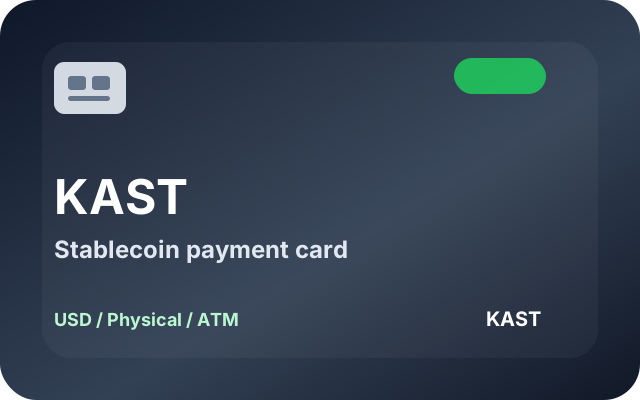
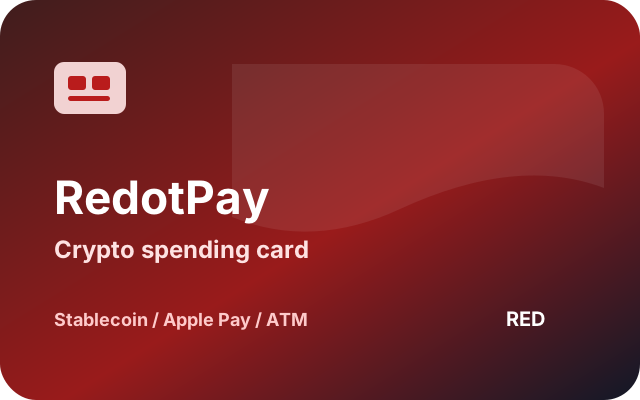
Card visuals and positioning
Fee comparison
| Check | KAST Card | RedotPay |
|---|---|---|
| Best fit | Stablecoin users who want clear USD spending, physical card support, and cashback math. | Users who want an app-first card, broad supported assets, Apple Pay or Google Pay cashback through Pro, and straightforward ATM fee checks. |
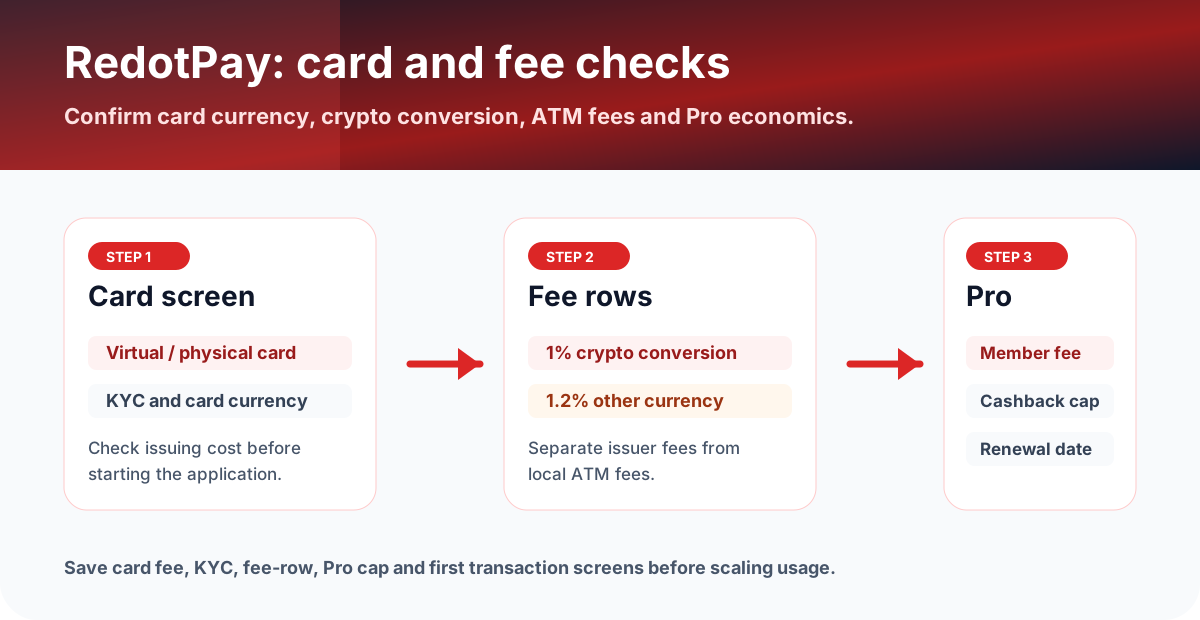
| Fee headline | Standard $0 annual fee, Premium $1,000/year, Private $10,000/year. Standard physical card has a $40 shipping fee. | RedotPay publishes 1% crypto conversion, 1.2% non-card-currency transactions, and ATM fees that differ by HKD or USD card. |
| Rewards | 1.5% USD cashback on Standard, 2% on Premium, 3% on Private, with monthly caps shown by KAST. | RedotPay Pro offers 3% cashback on Apple Pay and Google Pay purchases up to a monthly cap, with membership fees. |
| Main caution | Non-stablecoin deposits are auto-converted with a conversion fee that varies by token and is shown before you confirm. Non-USD card spend has a 0.5-1.75% FX fee. | Card fee, region support, crypto conversion, and non-card-currency fees should be checked in the app before applying. |
Practical scenario
Compare FX, conversion, card currency, and cashback cap before assuming the card is profitable. If a card needs a paid tier or Pro membership to unlock the reward, subtract that cost separately.
Check issuer ATM fee, FX fee, monthly threshold, and local ATM operator fee separately. Save the app transaction detail and ATM receipt after a small test.
Next action
Open the official site for the card you prefer, then check the same four rows: card issuance or membership, funding method, spending currency, and ATM. If any row is unclear, use the full review before applying.
What to save before and after using the card
- Screenshot of KAST Card and RedotPay fee rows checked on the same day.
- App screen showing region support, KYC/card status, card tier or card currency for both cards.
- Funding preview or deposit transaction hash for the funding route you actually plan to use.
- First small card transaction, cashback/reward status, and any ATM receipt if ATM use matters.
FAQ
How should I use this comparison before applying?
Check each official site or app under the same assumptions: supported region, card issue fee, annual fee, FX and ATM fees, Apple Pay or Google Pay support, cashback terms, funding method, and account requirements. Then compare those terms against your actual monthly spend.
What records should I keep after choosing a card?
Save the official fee page, card tier, application screen, KYC status, funding transaction, card spend, cashback or points entry, support ticket, timestamp, currency, amount, network, TXID, and card statement details.
What should I trust if the app and this page differ?
Before applying, funding, or spending, use the latest official site or in-app screen as the source of truth. Treat this page as a decision checklist and save the live fee, reward, and availability screens.
Official sources checked
Terms change quickly. Use this page to narrow your choice, then confirm the final fee table, card availability, limits, and campaign terms in the official app or help center.
Official social and update checks
Check official social accounts for campaign changes, app incidents, region changes, maintenance notices, and posts that are newer than help-center articles.