
Issuer pageVerify
Card / Fees / LimitsCheck region, fees, rewards, KYC, and limits
Open the issuer page and verify the live card conditions before funding.
Tria links a self-custodial crypto wallet to a Visa card you top up from 1,000+ supported tokens. This hub gives the short verdict and the key numbers, re-checked on Tria's help center, docs and blog on October 1, 2026, then points to the detailed guides.
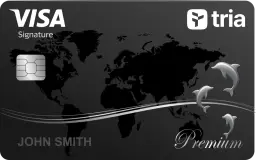
Tria suits self-custody users who spend a steady 100 to 2,000 USD a month by card. The headline 1.5%, 4.5% and 6% cashback applies only up to a monthly cap of 1,000, 1,000 or 2,000 USD, then drops to 0.5% on Lite and 1% on Pro and Max. On September 26, 2026 Tria renamed Virtual, Signature and Premium to Lite, Pro and Max: Lite now costs 20 USD a year (the free Virtual offer has ended), while Pro and Max are 109 USD and 250 USD a year in the card terms. Keep only near-term spending on the card: in August 2026 a flaw at Tria's card issuer Rain affected 636 users' card balances, and Tria refunded all of them in full plus 10%.
Skip it if you want uncapped cashback, need to hold large balances on a card, or rely on cash withdrawals.
The app's membership page showed Lite at 0 USD on October 1, 2026; we follow Tria's announcement, so check the Card tab. ATM 1 USD + 1% on Pro and Max. FX: 0% per Tria's help center, up to 3% + 1% in the card terms.
Tria Travel bookings earn the tier rate outside the cap. ATM, gambling and P2P transfers earn nothing.
Use the hub to move from review to fee check to comparison without hunting through the whole site.
Verdict by tier, monthly cashback caps, the wallet versus card balance, and the August 2026 Rain incident.
Updated October 1, 2026Price by tier after the Lite/Pro/Max rename, the FX question (help center versus card terms), ATM limits, top-up fees and cashback caps.
Updated October 1, 2026Where the country list lives, the prohibited jurisdictions, KYC rules and US versus international terms.
Checked October 1, 2026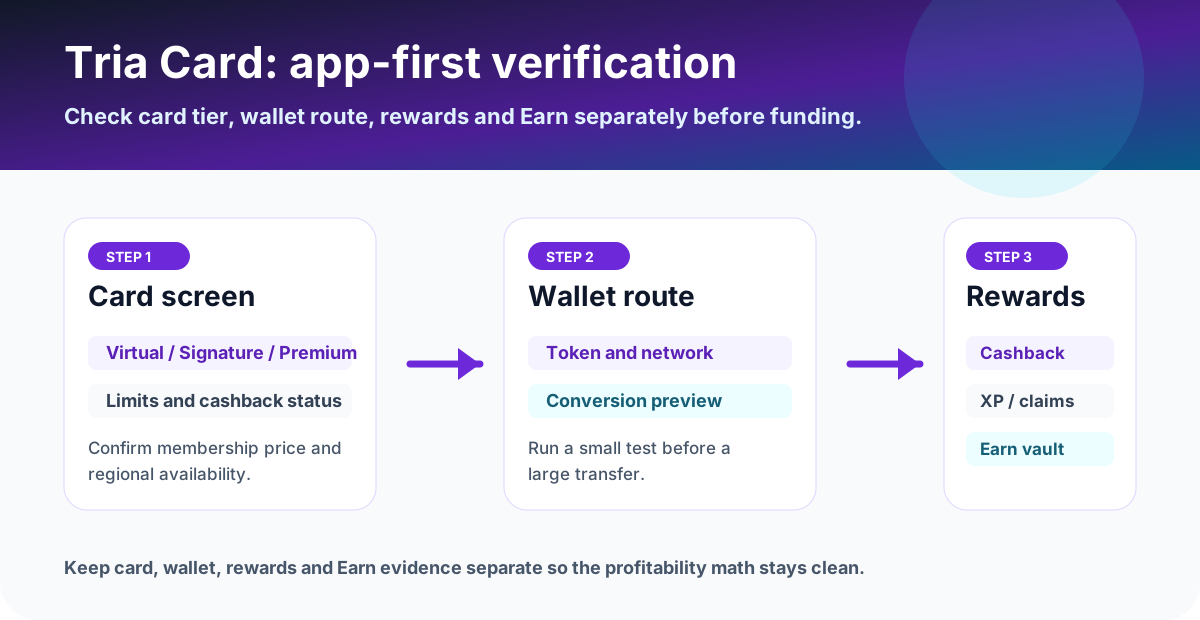
Trace token, network, address, TXID, wallet balance, card balance and support evidence.
Checked October 1, 2026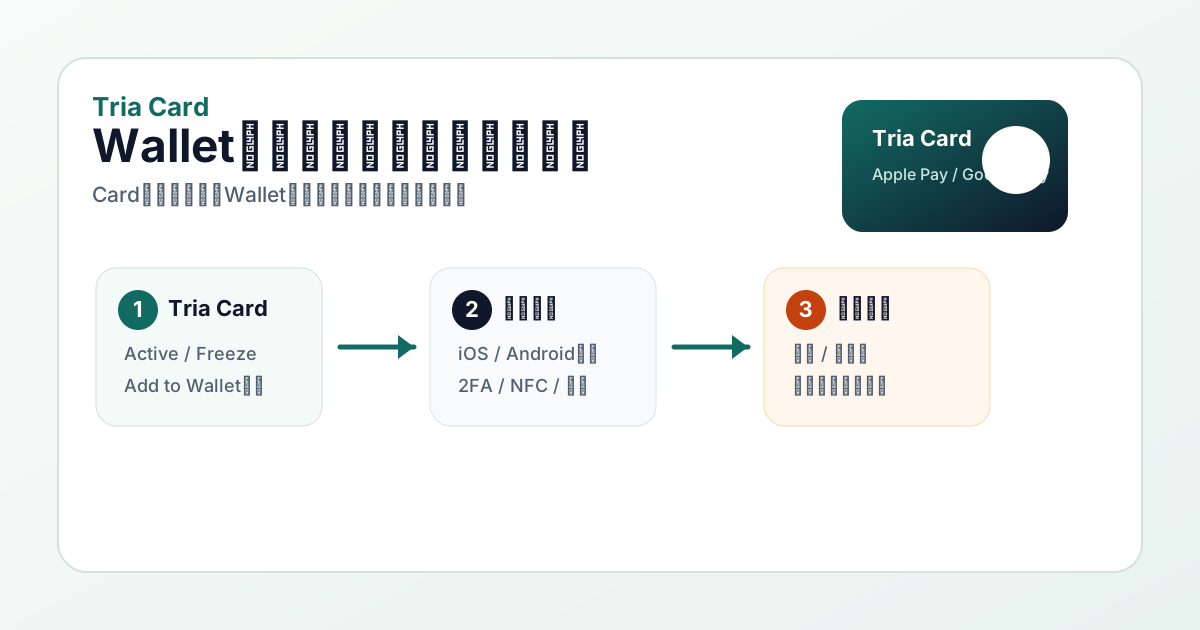
Check region, KYC, card status, issuer tokenization, device settings and Wallet error messages.
Checked October 1, 2026The 6% headline, 2,000 USD monthly cap, 1% above it, Tria Travel outside the cap, and upgrade math against Lite.
Updated October 1, 2026
Where the code goes at sign-up, Refer and Earn, Activate and Earn, and why 6% code claims do not match Tria's terms.
Checked October 1, 2026Separate card rewards from Earn yield and know which app screens to check.
Updated October 6, 2026Compare token support, cashback, membership logic, and stablecoin flow.
Updated June 2026
ETHFI vs USDT cashback, entry cost, FX and ATM on the entry card, each row linked to its source.
Checked October 2026
Country limits, $0 Virtual vs $20 Lite, 1% mUSD vs 1.5% USDT cashback and FX.
Checked October 2026Before acting on a card page, check the issuer app or official help page, then keep records that can be matched to dates, fees, card status, rewards, and region eligibility.
Lite is digital, Pro includes a plastic physical card and Max a metal physical card. Pro and Max also include a Lite card usable after identity approval while you wait for delivery. Memberships renew annually; prices and availability can vary by region and plan. Save the Membership screen showing the yearly charge, renewal, included card and reward cap before paying. Old Virtual, Signature and Premium names or expired discounts are not a checkout quote.
No. The sign-up access code is separate from the unique 10-digit promo code emailed after paying for membership by credit or debit card. The latter redeems a paid purchase and takes you to verification: return to the application screen where you selected your country and enter it there. Check spam if the email is missing. Do not buy the membership again; send the receipt and transaction reference to in-app support.
Select your actual residence in Apply Now and check eligibility before paying. Applicants must be at least 18 and physically present in the selected country. Visa acceptance in Japan does not prove issuance or shipping eligibility for Japanese residents. Physical cards ship in batches: an in-app notification asks for your address when ready. A country appears in Add Address only once shipping there is enabled. A purchase date alone is not a promised delivery date.
Open Cards → Top-up, choose the wallet, token and amount, and review the network and credited amount before confirming. Wallet and card balances are different. Zero Tria deposit or FX fees do not mean zero Visa exchange or blockchain fees. Weigh annual membership costs, reward caps, delivery delays and temporary merchant holds such as hotel deposits. Fund only planned spending and keep the transaction reference and statement.
Official instructions: Application / KYC / delivery · Annual memberships · Top-up
For steady card spenders who already use a self-custodial wallet, yes. The 1.5%, 4.5% and 6% cashback on Lite, Pro and Max (formerly Virtual, Signature and Premium) is capped at 1,000, 1,000 and 2,000 USD of spend a month, so value depends on how close you spend to the cap. Lite costs 20 USD a year; Pro and Max are 109 USD and 250 USD a year in the card terms. See the Tria Card review for the full verdict.
Tria's membership announcement of September 26, 2026 renamed Virtual, Signature and Premium to Lite, Pro and Max, set Lite at 20 USD a year and ended the limited-time free Virtual offer. Pro and Max prices were not restated; the card terms list 109 USD and 250 USD a year. Confirm the charge in the app's Card tab. The 20% first-purchase discount ended on September 11, 2026.
On August 29, 2026, Tria said on X that a vulnerability in a Solana card contract at its issuing partner Rain affected 636 users and 431,945 USD of card balances, that Tria wallets were not affected, and later that day that every affected user had been refunded in full plus an extra 10%.
Tria's help center says card support is active in 150+ countries and that the full list of supported regions is the Country dropdown in the app. Sanctioned and high-risk jurisdictions, including Russia, Belarus, Iran and North Korea, are excluded by Tria's Prohibited Use Policy.
Tria's sign-up help says an access code is required to join during its phased rollout. This site's code is FYCF09QRZ7. New users can earn 3,200 points and 5 USDT through Tria's Activate & Earn campaign after activating the card and making four payments of 5 USD or more.
Before applying, funding, or spending, use the latest official site or in-app screen as the source of truth. Treat this page as a decision checklist and save the live fee, reward, and availability screens.
Lite is digital, Pro includes a plastic physical card and Max a metal physical card. Pro and Max also include a Lite card usable after identity approval while you wait for delivery. Memberships renew annually; prices and availability can vary by region and plan. Save the Membership screen showing the yearly charge, renewal, included card and reward cap before paying. Old Virtual, Signature and Premium names or expired discounts are not a checkout quote.
No. The sign-up access code is separate from the unique 10-digit promo code emailed after paying for membership by credit or debit card. The latter redeems a paid purchase and takes you to verification: return to the application screen where you selected your country and enter it there. Check spam if the email is missing. Do not buy the membership again; send the receipt and transaction reference to in-app support.
Select your actual residence in Apply Now and check eligibility before paying. Applicants must be at least 18 and physically present in the selected country. Visa acceptance in Japan does not prove issuance or shipping eligibility for Japanese residents. Physical cards ship in batches: an in-app notification asks for your address when ready. A country appears in Add Address only once shipping there is enabled. A purchase date alone is not a promised delivery date.
Open Cards → Top-up, choose the wallet, token and amount, and review the network and credited amount before confirming. Wallet and card balances are different. Zero Tria deposit or FX fees do not mean zero Visa exchange or blockchain fees. Weigh annual membership costs, reward caps, delivery delays and temporary merchant holds such as hotel deposits. Fund only planned spending and keep the transaction reference and statement.